Meals and calories
Log meals and calories in Hinglish
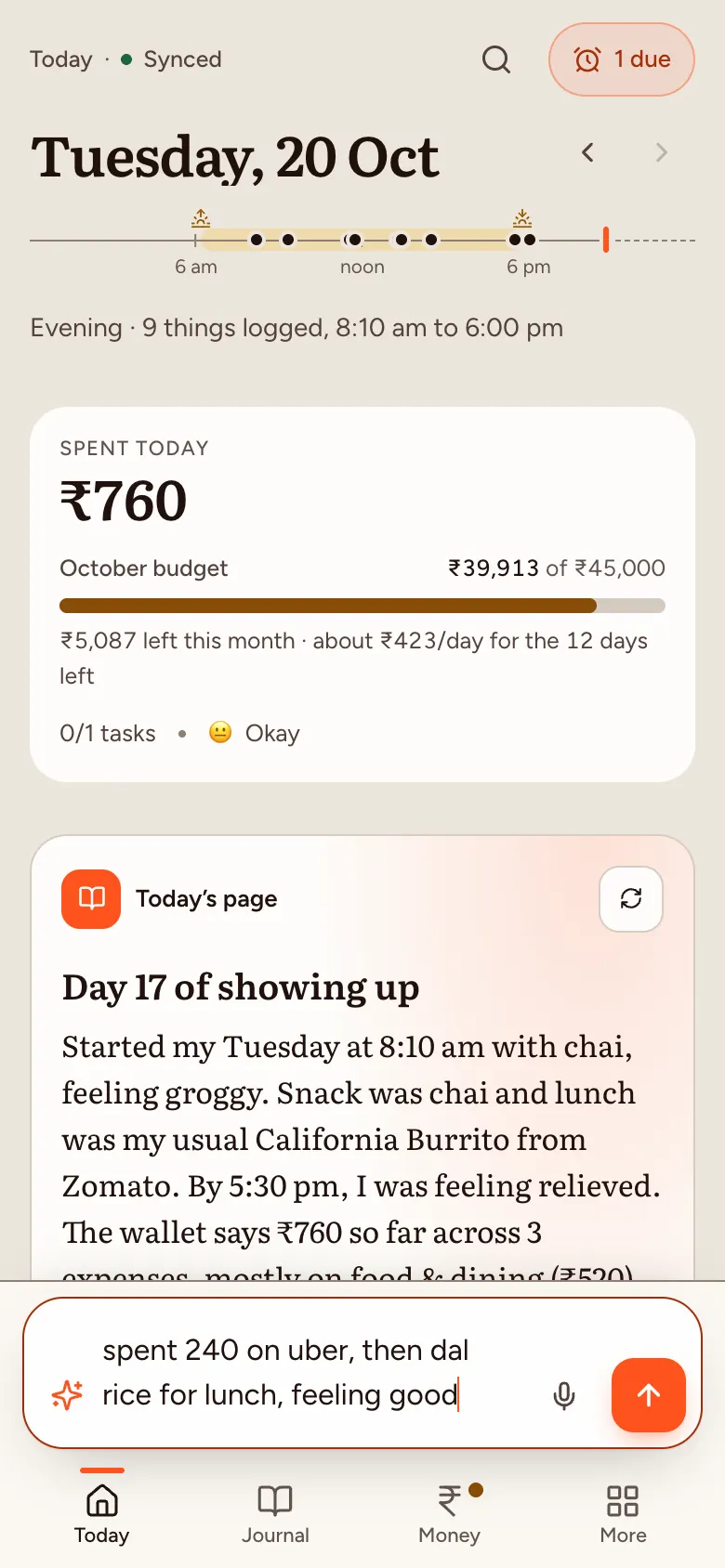
Type your meal the way you’d say it, in English or Hinglish, like “do roti aur dal, lunch mein”. With Standard AI, Dayline logs it as a meal and estimates the calories, marked as an estimate; if you give a number, it keeps yours.
For example: breakfast mein poha aur chai, lunch 2 roti dal
How it works
- Say what you ateType it or tap the mic and say it, in your own words. No food database to search.
- See the caloriesEach meal gets a calorie figure: yours if you said it, otherwise an AI estimate, shown as an estimate.
- Your day in one placeMeals sit next to your spends and moods on the day’s line, and in the day’s journal page.
Why your own words
Food apps want an English dish name from a list. Home food doesn’t fit: thalis, “thoda sa” rice, mum’s sabzi. Writing it the way you’d text it is quicker, so you keep doing it.
Voice works too
Tap the mic and talk for up to two minutes. Dayline writes it down in your own words and language, Hinglish included, and you check it before sending. More about voice.
Private by default
Only you can read your diary. Not us, not anyone. Encrypted on your device before they sync. We, Cloudflare and anyone with a database copy or backup see only locked data. We don’t have the keys. With Standard AI, an AI reads your words but doesn’t keep them. What end-to-end encryption covers here.
Meals and calories are health data; they’re stored end-to-end encrypted like every entry. US residents: see our consumer health data policy.
What it doesn’t do. Calorie estimates are rough and aren’t medical or nutrition advice. They come from the AI, so they need Standard AI mode; in On-device only mode, add the number yourself.
Free for everyone during the beta. Not available in the EU, EEA, UK or Switzerland yet.